






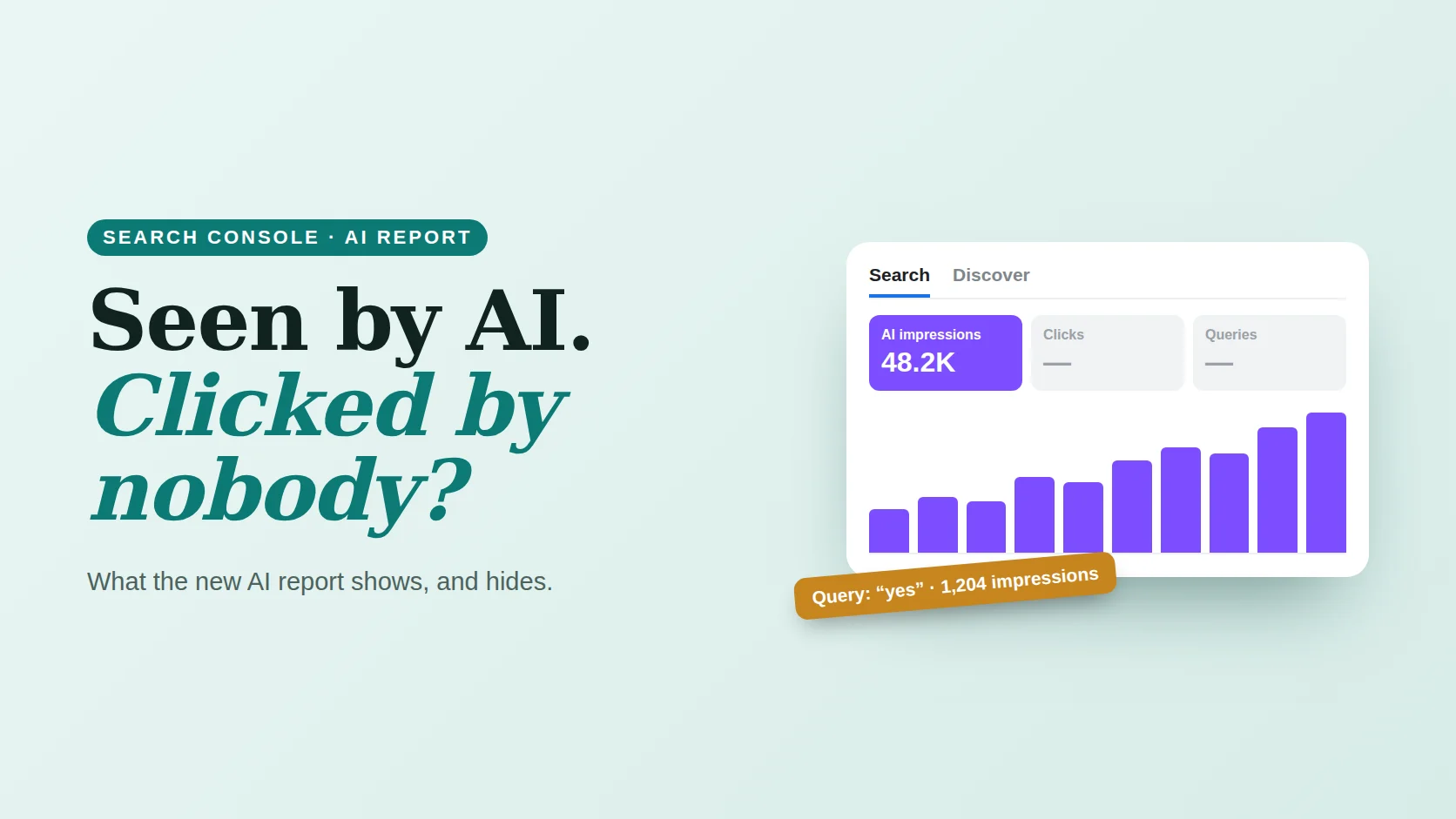
- The Generative AI report shows impressions of your pages in AI Overviews and AI Mode (and a separate Discover view).
- It has no clicks, CTR or queries. AI data is also counted in the normal Performance report.
- In the main report, each AI Mode follow-up counts as a new query, which is why you see rows like “yes” or “what about pricing”.
- Use the AI report for which pages AI shows, and the main report with the branded filter for clicks.
Checked 25 October 2026. Google introduced the reports on 3 June 2026 as a test and later rolled them out to all sites; its help page dates worldwide availability to 31 August 2026. Sites with little AI visibility may see too little data to display.
01What the report shows
Find it in the Performance section of Search Console. There are two views: Search, covering AI Overviews and AI Mode, and Discover, covering AI features in Discover. Search Labs experiments are not included.12
Illustration with example numbers. Greyed boxes are metrics the report does not include.
Which pages AI shows
The most useful view. It tells you which content Google trusts enough to cite in AI answers.
Where it happens
AI Mode is not in every country yet. Compare markets to see where AI exposure is growing.
Mobile or desktop
Available for Search. Useful if your mobile and desktop pages differ.
Down to the hour
Hourly, daily, weekly and monthly views help match changes to updates or launches.
02What it does not show
| Data | Generative AI report | Main Performance report |
|---|---|---|
| AI impressions | Yes, separately | Included in totals, not separated |
| Clicks and CTR | No | Yes, AI included in totals |
| Queries | No | Yes, including AI Mode follow-ups |
| Pages | Yes | Yes |
| Branded vs non-branded | No | Yes, branded queries filter |
When you export, values shown as “~” or “-” become zeros in the file, so do not read them as true zeros.2
03The strange queries in your main report
Google counts each follow-up question in an AI Mode conversation as a new query. So if someone asks about running shoes, then types “yes” or “what about for wide feet”, those follow-ups can appear as queries in your Performance report.34
These rows are not mistakes. They are a window into how people talk to AI Mode. But they also distort averages: a “yes” query with high impressions and no clicks drags CTR down. The sorter below helps you separate them.
Sort your queries: AI follow-ups, branded and normal
Paste queries from your Performance report, one per line, and add your brand name. The sorter flags likely AI Mode follow-ups and long conversational queries.
Runs in your browser; nothing is saved. A rule-based guess: Google does not label which queries came from AI Mode.
04A monthly routine
Export AI pages
In the Generative AI report, open Pages and export. These are the pages Google uses in AI answers.
Compare with clicks
Look up the same pages in the main report. High AI impressions with falling clicks means people get answers without visiting.
Improve the cited pages
Add clear next steps, prices and offers on those pages, so the visits you do get convert.
Watch the follow-ups
Run your queries through the sorter. Follow-up questions show what people still want to know: answer them on your pages.
The AI report tells you where you are seen. The main report tells you whether it paid off. You need both.
Related: AI Overviews on brand searches, tracking AI traffic in GA4 and zero-click SEO strategy.
Common questions
Does Search Console show AI Overviews data?
Yes. The Generative AI performance report, introduced in June 2026 and now available to all sites, shows impressions of your pages in AI Overviews and AI Mode, by page, country, device and date. It does not show clicks, CTR or queries.
Are AI Mode clicks included in Search Console?
Yes, in the main Performance report. AI Overviews and AI Mode data count towards its totals, but they are not separated from normal search results there.
Why do queries like “yes” appear in Search Console?
Google treats each follow-up in an AI Mode conversation as a new query, so short follow-ups such as “yes” or “what about pricing” can appear as queries in the Performance report.
Can I see AI Mode queries separately?
No. Search Console does not label which queries came from AI Mode. Short follow-up phrases and long conversational questions are clues, which is what the query sorter on this page uses.
Method & sources
Checked October 25, 2026. Report features are from Google’s Search Central blog and Search Console Help; the behaviour of AI Mode follow-up queries is as reported by Search Engine Roundtable and Search Engine Journal.
- Google Search Central Blog, “Introducing Search generative AI performance reports in Search Console”. developers.google.com
- Search Console Help, “Generative AI performance report (Search)”. support.google.com
- Search Engine Roundtable, “Google shows AI Mode queries in Search Console, just not in generative AI reports”. seroundtable.com
- Search Engine Journal, “Google adds AI Mode traffic to Search Console reports”. searchenginejournal.com