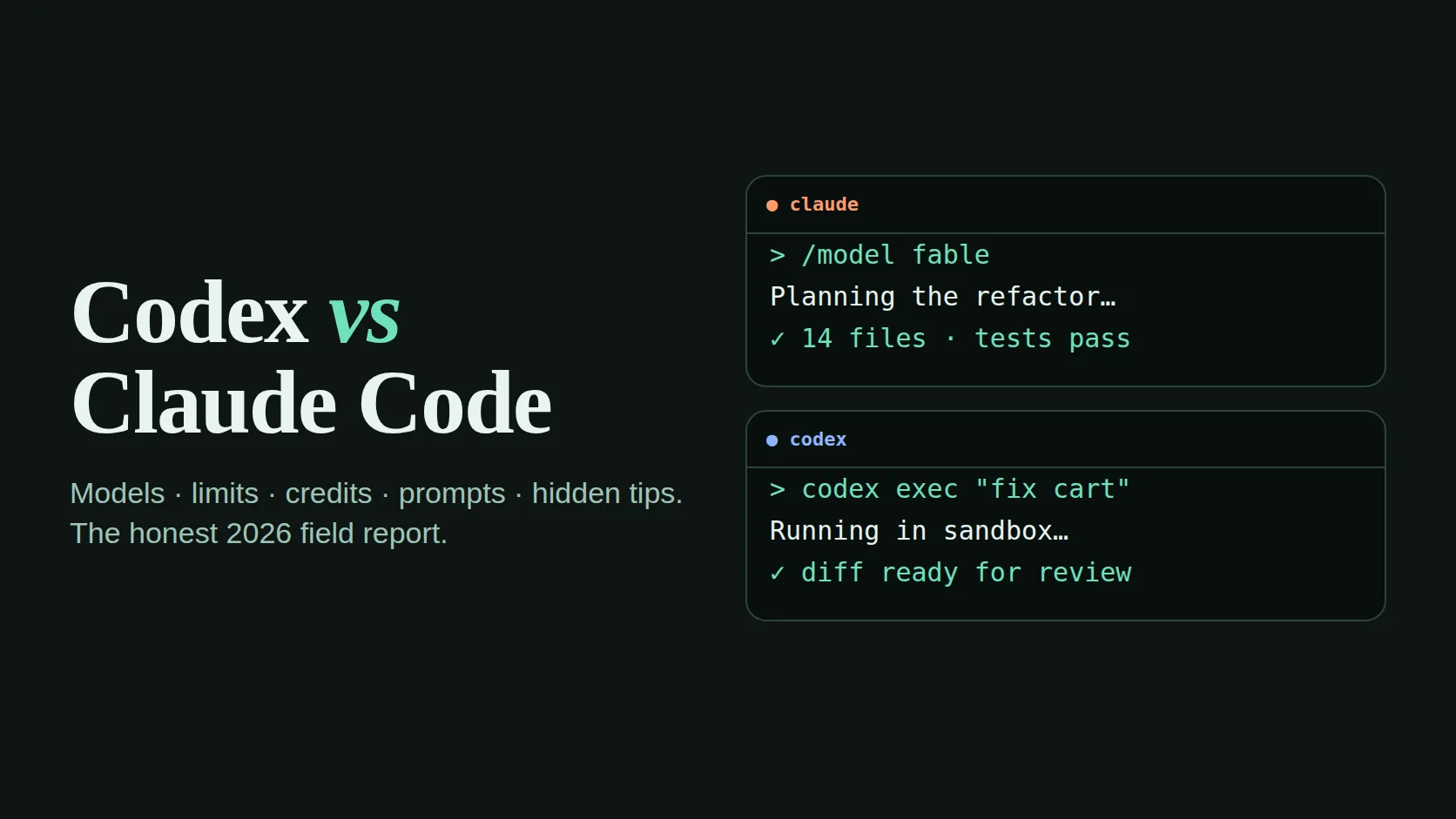
Best when the job is long, messy and needs judgement: refactors across many files, careful writing, planning before touching code, and work that runs for an hour without drifting.
Best when you already live in ChatGPT and want quick, well-scoped tasks: fire off several small jobs to the cloud, review the diffs, merge what works.
I use both every week: for this website, for client landing pages, for tracking scripts and for the small browser games in the Game Center. This is not a benchmark article. Benchmarks change every month and rarely match what happens in a real repository on a Tuesday afternoon. It is a field report: what each tool is, what it costs in practice, how the limits really behave, and the prompts and hidden settings that make the difference.
Freshness warning. Plans, prices and limits in this space change often. Everything below reflects what I could see in September 2026. Before you pay, check the official pricing pages linked at the end.
What you are actually comparing
Both names describe a family of surfaces, not a single app. That is the first source of confusion. When someone says “Codex is faster” or “Claude is smarter”, ask which surface and which model they used.
| Where you use it | Claude Code | Codex |
|---|---|---|
| Terminal agent | ● The original home. Reads the repo, runs commands, edits files, asks before risky steps. | ● Open-source CLI with approval modes from read-only to full access. |
| Editor | ● VS Code and JetBrains extensions with inline diffs. | ● IDE extension for VS Code-style editors. |
| Cloud / background | ● Sessions on the web and in the Claude app that run in their own container and push a branch. | ● Cloud tasks started from ChatGPT; each runs in a sandbox and returns a diff. |
| Pull-request review | ◐ GitHub integration and a review command. | ● Automatic PR review is a headline feature. |
| Project memory file | CLAUDE.md | AGENTS.md |
| Extending it | ● MCP servers, hooks, skills, sub-agents, plugins. | ◐ MCP servers and config profiles. |
| Paid through | Claude Pro / Max / Team / Enterprise, or API billing. | ChatGPT Plus / Pro / Business / Enterprise, or API billing. |
The takeaway: at the surface level they have converged. You get a terminal agent, an editor plug-in and a cloud mode on both sides. The real differences are in the models, how usage is counted, and how each tool behaves when a task gets long.
The models underneath, and where Fable fits
Claude Code lets you switch models with /model. In September 2026 the Claude line-up is, from heaviest to lightest:
Claude Fable 5.1
The top of the range. Use it for the problems where a wrong first step costs you an afternoon: architecture decisions, subtle bugs, migrations, anything security-related. It is also the model that drains a plan fastest.
Claude Opus 5.5
The everyday heavy lifter for serious coding sessions. Strong judgement, strong at long tasks, cheaper to run than Fable.
Claude Sonnet 5
Fast and capable. Ideal for well-defined edits, tests, documentation and the bulk of routine work.
Claude Haiku 4.5
Tiny, quick jobs: renaming, formatting, summarising a log, answering a quick “where is this defined?”.
Codex runs on OpenAI’s GPT‑5 family, including models tuned specifically for coding, and exposes a reasoning effort setting (low, medium, high and above on some plans). Higher effort thinks longer before acting: better on hard problems, slower and heavier on your allowance.
A practical routing rule I use: plan with the strongest model, implement with a mid-tier one, and check with a fast one. On Claude that is often Fable or Opus in plan mode, then Sonnet for the edits. On Codex it is high effort for the plan, medium for the build.
Usage limits and credits, explained without the marketing
This is the part most people misunderstand, and it decides whether you feel the tool is “generous” or “always out”. Neither product is unlimited, even on the top consumer plans.
- Rolling session window
- Claude subscription plans count usage in windows of a few hours. Hit the cap and you wait for the window to reset. Codex on ChatGPT plans works in a similar way, with short-term limits per window.
- Weekly cap
- On top of the short windows, both vendors have added weekly limits for heavy users. Heavy all-day agent use can reach the weekly cap before the week ends.
- Credits / extra usage
- When you run out, both sides now let you keep going by paying for more rather than upgrading the whole plan: OpenAI sells Codex credits, and Claude plans can switch on extra usage billed separately. Useful for a deadline week, dangerous as a habit.
- API billing
- Both tools can run on a developer API key instead of a subscription. You pay per token with no window, which is predictable for automation but easy to overspend in an interactive session.
- What “uses more”
- Bigger model, higher effort, longer conversation, larger files read, more parallel agents. A single hour-long session with a huge context can cost more than twenty short ones.
In Claude Code, /usage shows your plan’s current limits, and /context shows how full the conversation is. In Codex, /status shows the session’s model and usage. Check these before starting a big task, not after the warning.
Which plan makes sense?
| You are… | Start with | Upgrade when |
|---|---|---|
| A marketer or founder editing a website a few times a week | The entry paid plan on either side. Claude Pro or ChatGPT Plus. | You hit the window limit more than twice a week. |
| A developer using an agent most of the day | A mid or high tier (Claude Max, ChatGPT Pro). | You hit the weekly cap, or you run agents in parallel. |
| A team shipping client work | Team / Business plans for shared billing and admin controls. | You need audit logs, SSO or data controls. |
| Running automation in CI or scripts | API keys with a hard monthly budget. | Never mix this with a personal subscription. |
Habits that make the same plan last much longer
These are not tricks. They simply stop you paying the model to re-read things it no longer needs.
- Clear between tasks.
/clearin Claude Code, a new session in Codex. Every message resends the conversation so far; a stale conversation is a tax on every future reply. - Compact before you clear. If you want to keep the thread,
/compactsummarises it. Add a hint:/compact keep the file list and the failing test. - Point, don’t paste. “Look at
src/cart.jsline 80” is cheaper and better than pasting 400 lines into the chat. - Trim logs. Paste the last 30 lines of an error, not the whole build log.
- Keep the memory file short.
CLAUDE.mdandAGENTS.mdare loaded into every session. A 2,000-line memory file is paid for on every message. - Route by difficulty. Switch to a lighter model for tests, renames and copy edits.
- Plan once, build once. A bad plan executed costs three times: the build, the revert and the rebuild.
- Batch small asks. Five small changes in one clear message beat five separate conversations.
- Stop runaway loops. If the agent tries the same fix twice, interrupt it (Esc) and give it the missing fact yourself.
Prompts that work on both tools
Good agent prompts read like a short ticket written by a senior colleague: the goal, the constraints, how to prove it is done. Copy these and adjust the details.
Read the checkout flow in src/checkout/ and explain how a discount code is applied today.
Then propose a plan to add a "free delivery over OMR 20" rule.
Do not edit any files yet. List the files you would change and the risks.The contact form sends twice on mobile Safari. Find the cause.
Write a failing test that reproduces it first, then fix it,
then run the full test suite and show me the output.
Keep the change as small as possible.Add a new blog card to blog/index.html for the post in blog/new-post/.
Copy the structure of the newest existing card exactly:
same classes, same image sizes, same date format. Do not restyle anything.Review the diff on this branch as a strict senior reviewer.
Only report real bugs, security problems and broken edge cases,
with file and line. Skip style opinions. If it looks fine, say so.Summarise what we changed today, what is unfinished, and the exact
next step, in under 15 lines. Save it to NOTES.md so a fresh session can continue.Notice what these have in common: a clear stopping point (“don’t edit yet”, “show me the output”), a scope limit (“as small as possible”, “don’t restyle”), and a way to verify. Vague prompts like “make it better” are where both tools waste the most usage.
Hidden tips most people never find
Claude Code Plan mode is one keypress away
Press Shift+Tab to cycle permission modes, including plan mode. In plan mode the agent can read and think but not edit, so you can agree the approach before paying for the build.
Claude Code Rewind a bad turn
Press Esc twice to jump back to an earlier message and edit it. Cheaper than arguing with a conversation that went the wrong way.
Claude Code Let /init write the first memory file
Run /init in a new repository and it drafts a CLAUDE.md from what it finds. Then cut it down to the rules that actually matter: build command, test command, style rules, “never touch” folders.
Claude Code Sub-agents keep your main context clean
Ask it to “use a sub-agent to search the codebase for every place we format prices”. The search happens in a separate context and only the answer comes back, so your main conversation stays small.
Claude Code Hooks turn rules into guarantees
A memory file is a request; a hook is enforcement. A hook can run your formatter after every edit or block edits to .env. Ask Claude Code to set one up for you in settings.json.
Codex Pick the approval mode per task
Use read-only for exploring an unfamiliar repo, auto for normal work inside the project, and full access only in a throwaway sandbox. The safest mode is also the one that stops it “helpfully” changing things you did not ask for.
Codex Fan out small tasks in the cloud
Cloud tasks shine when you split a backlog into five independent tickets and start them at once. Review each diff separately. Do not send one giant task: that is the terminal’s job.
Codex codex exec for scripts
Non-interactive mode lets you run Codex from a script or CI job with a single prompt. Pair it with an API key and a spending limit.
Both Commit before you start
Start every agent session from a clean git state. If the result is wrong, one command puts you back. This single habit removes most of the fear of letting an agent edit files.
Both Use both on the same PR
Build with one, review with the other. They make different mistakes, so a second opinion from a different model catches more than a second pass from the same one.
Which should you start with?
Answer four questions. The picker runs in your browser and only reflects the patterns in this article.
What to expect, honestly
Expect
- Hours saved on boilerplate, tests, migrations and repetitive edits.
- Strong first drafts of features you can describe precisely.
- Good explanations of unfamiliar code, often better than the docs.
- Mistakes that look confident. Review everything that ships.
Don’t expect
- Unlimited use on any consumer plan.
- It to know business rules you never wrote down.
- Perfect results from one vague sentence.
- It to replace understanding what your own product does.
My own split today: Claude Code for this website’s heavier work and anything involving writing, Codex for quick fixes and a second-opinion review. If you are just starting, pick the one attached to the subscription you already have, use it seriously for two weeks with the habits above, and only then decide whether the other is worth paying for.
Quick answers
Can a non-developer use these tools?
Yes, for small websites and scripts, as long as you work in a git repository and ask the agent to explain each change. Start in plan or read-only mode.
Is my code used for training?
It depends on the plan and your settings. Business and enterprise plans generally exclude your data from training by default; on personal plans, check the privacy settings of your account.
Should I always use the strongest model?
No. Use it for planning and hard bugs. Use lighter models for routine edits and your plan will last much longer.
Why did my limit run out so fast today?
Usually one long session with a large context, a heavy model at high effort, or several agents running in parallel. Clear or compact more often and check /context.
Official pages to check before paying
Checked September 25, 2026. Plans, limits and model names change often; the vendor pages are the source of truth.
- Claude Code documentation — commands, memory files, hooks, sub-agents.
- Anthropic pricing — Claude plans and API prices.
- OpenAI Codex documentation — CLI, IDE extension, cloud tasks, AGENTS.md.
- ChatGPT pricing — which plans include Codex and how credits work.