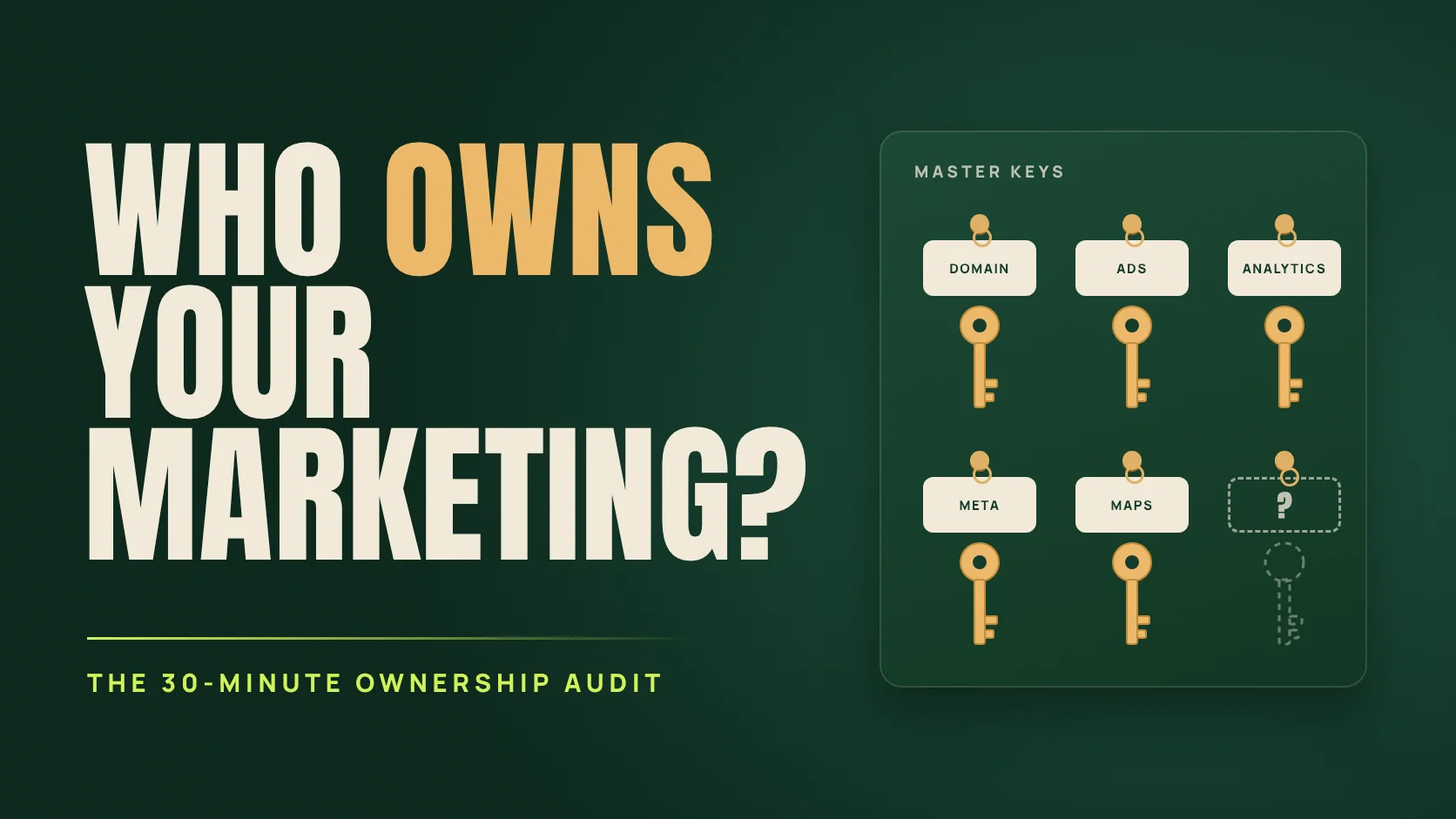
The agency contract ended politely.
Then the logins stopped working.
Nobody had done anything wrong.
Picture a dental clinic in Muscat ending a three-year contract with its marketing agency. The handover meeting is friendly. The following week, the practice manager starts listing what the clinic actually controls, and the list is shorter than anyone expected.
The Google Ads account sits under the agency’s manager account, and nobody at the clinic has direct access. Instagram was set up with a former coordinator’s personal mobile number. The Analytics property lives inside the agency’s own Analytics account. The domain was registered by the freelancer who built the website in 2021, in their own name, and it renews in 19 days on their card.
This is a fictional teaching example. Nothing malicious happened. People created accounts with whatever email address and phone number were closest to hand, which is exactly why the problem is so common.
What you lose when someone else holds the keys
Losing a password is an inconvenience. Losing ownership can mean losing years of accumulated value that no new agency can rebuild quickly.
If it expires or is pointed elsewhere, your website and your business email stop working together.
Campaign history, conversion data and audience lists that took years and real money to build.
Your record of what worked. Without it, every new marketer starts from zero.
Reviews, followers and customer conversations: the public trust your customers can see.
None of this feels urgent on an ordinary Tuesday. All of it becomes urgent the moment a relationship changes: an agency leaves, an employee resigns, a freelancer stops answering, or a phone is lost.
Access is not ownership: the roles that matter
Every platform has a role that means “in control.” Your business should hold that role through accounts it controls, meaning a company email and a company phone number, with at least two trusted people able to get in. Agencies and freelancers should receive all the access they need to do excellent work, but not the master key.
| Asset | The role that means control | Check this |
|---|---|---|
| Domain name | The registrant, plus the registrar account | The registrant is your business, the renewal date is recorded and the contact email is one you monitor. [1] |
| Google Ads | Admin access level | At least one person from your business holds Admin directly on the account. [2] |
| Google Analytics 4 | Administrator role | Your property sits in an Analytics account your business controls. [3] |
| Google Tag Manager | Account Admin | The container lives in your own Tag Manager account. [4] |
| Search Console | Verified owner | Former owners are removed along with their verification tokens. [5] |
| Google Business Profile | Primary owner | A company account is primary owner; your agency is a manager. [6] |
| Facebook, Instagram, Meta ads | Full control of your own business portfolio | Your Page, Instagram account, ad account and dataset sit in your portfolio, with the agency added as a partner. [7] [8] |
| Website and hosting | Admin login and the hosting account | Hosting is in the business’s name and you can download a recent backup. |
| WhatsApp Business | The phone number itself | The number is a company line, not an employee’s personal SIM. |
A few details are worth knowing before you start. In Google Ads, Admin users can give account access and change access levels. [2] In Analytics, Administrator is full control, including managing users. [3] In Search Console, a verified owner proved ownership with a token such as a file on the website, while a delegated owner was added by someone else. If you remove an owner but leave their token in place, they can re-verify. [5] On Google Business Profile, managers can do most day-to-day work, but they cannot add or remove users or remove the profile. [6]
Score your business in 30 minutes
Sit down with someone who can actually log in to each platform. Answer honestly for every asset. “Not sure” is a useful answer, because it tells you where to look first.
Who holds the master key?
The answers are pre-filled with the fictional clinic from this article. Change them to match your business, then score again.
- Domain nameHeld by others
Move the registration into the business’s name, in a registrar account on a company email. Record the expiry date and switch on auto-renew. - Facebook, Instagram and Meta adsHeld by others
Put your Page, Instagram account, ad account and dataset in your own business portfolio, give two trusted staff full control and add your agency as a partner. - Website and hostingNot sure
Get an admin login on a company email, put the hosting account in the business’s name and download a recent backup.
Then review: Google Ads, Google Analytics 4, Google Tag Manager and Search Console.
The score weights each asset by how much damage losing it would cause. The audit runs in your browser and does not send or save your answers. It is a planning aid, not legal advice.
Take back control without starting a fight
Most ownership gaps are accidents of speed, not bad faith. Agencies often set accounts up quickly so that work can begin. Treat the fix as housekeeping rather than an accusation, and put the request in writing so that nothing is forgotten.
Then work in this order, because each step makes the next one easier:
- Domain and email first. Everything else depends on them. Confirm the registrant, the registrar login and the renewal date. ICANN’s guidance for registrants stresses keeping contact details accurate, because important notices about your domain arrive by email. [1]
- Customer-facing profiles next. Business Profile, Facebook, Instagram and WhatsApp hold your reviews, followers and conversations. On Business Profile, only the primary owner can transfer primary ownership, and a new owner or manager must wait seven days before they can manage every feature. [9]
- Then ads and measurement. Add company Admins to Google Ads, take Admin of Tag Manager and sort out Analytics. Google Analytics can move a property from one account to another; plan it with your agency, because the person moving it needs the right roles. [10]
- Finally, clean up. Remove access for people who no longer need it, delete old Search Console verification tokens, and update recovery emails and phone numbers everywhere.
Keep it fixed: the offboarding rule
Ownership drifts. A new campaign gets set up in a hurry; a new employee opens a TikTok account on their own phone. Two habits prevent most future problems.
Keep a one-page asset register. For every asset, record the login email, who holds the master role, who else has access, the renewal date and who holds the two-step verification device. Review it every quarter and whenever someone joins or leaves.
Put ownership in the contract. A simple principle helps: accounts, data and creative made for the business are created in, or transferred to, the business’s name, and the agency receives the access it needs to deliver the work. Ask a lawyer to turn that principle into proper wording.
Same-day offboarding checklist
The best time to check is before you need to
An ownership audit is not exciting work. It is the kind of work that makes every future change easier: a new agency can start on day one, an employee can leave without taking your Instagram with them, and your measurement history survives every handover.
It also makes deeper work possible. You cannot run a holdout test or rebuild conversion tracking on accounts you cannot open.
Questions owners ask
Is it rude to ask my agency for admin access?
No. Clear ownership protects both sides: the business keeps its assets, and the agency is never blamed for problems it did not cause. A good agency can do its best work through the access you grant it.
Our Google Ads account sits under the agency’s manager account. Is it lost?
Not necessarily. Ask the agency to add a company email with Admin access directly on your account before anyone changes the manager-account link. Once you hold Admin, you can manage access yourself. [2]
What if the person who set up our Instagram has left?
First check whether the account is connected to a business portfolio and who holds full control there. If nobody at the business can get in, use Meta’s official recovery routes. This is exactly the situation two trusted admins are meant to prevent.
Does this matter if I work with a freelancer rather than an agency?
Yes, arguably more. Individuals change phones, email addresses and careers. The same rule applies: the business owns, and the freelancer gets access.
References & method
Official help pages checked September 23, 2026. Role names and interfaces change. The clinic is fictional, and the audit’s weights are the author’s editorial judgement.
- ICANN: Registrants’ Benefits and Responsibilities — keeping registrant contact details accurate and current.
- Google Ads Help: Access levels in your Google Ads account — Admin, Standard, Read-only, Email-only and Billing access.
- Google Analytics Help: Access and data-restriction management — the Administrator role and user management.
- Tag Manager Help: User permissions — account Admin and container Publish permissions.
- Search Console Help: Managing owners, users and permissions — verified and delegated owners, and removing verification tokens.
- Google Business Profile Help: Manage your owners and managers — what managers can and cannot do.
- Meta Business Help: Business portfolio and asset permissions — full control and partial access.
- Meta Business Help: Give a partner access to assets in your business portfolio — sharing assets with an agency.
- Google Business Profile Help: Transfer primary ownership — who can transfer it, and the seven-day wait.
- Google Analytics Help: Move a property — moving a property between Analytics accounts.
Audit method: each asset carries a weight from 2 to 5 based on how much damage its loss would cause, with the domain highest. The ownership score is the share of weight, across the assets you use, that your business holds. Fixes are ordered by weight, with assets held by others ranked ahead of uncertain ones.