






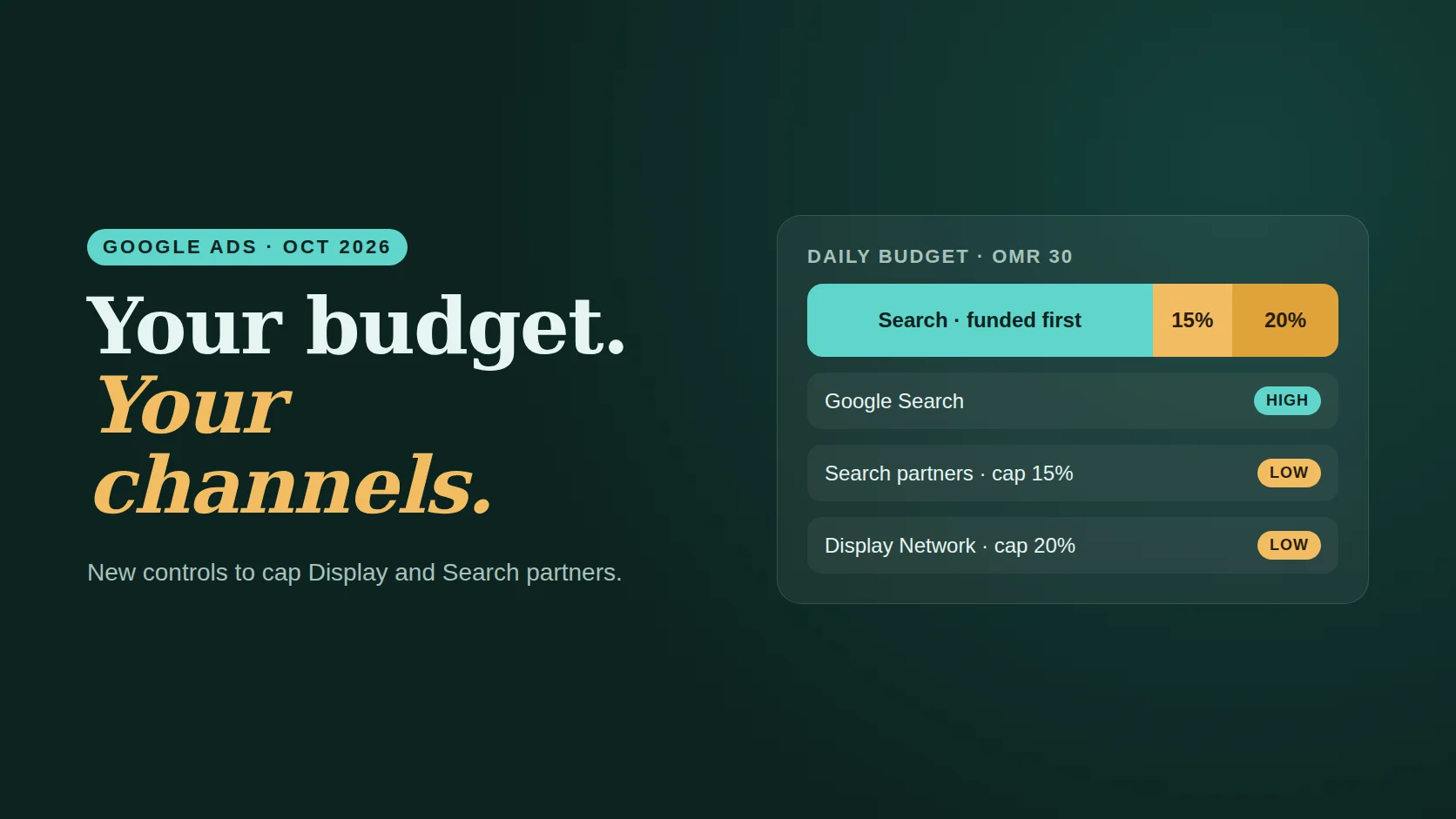
- You can now mark each channel High or Low priority. High-priority channels are funded first.
- For Low-priority channels, you can set a maximum share of the daily budget. It is a best-effort limit, not a hard cap.
- It works across Search, Shopping and Performance Max; Demand Gen gets prioritisation only.
- In February 2027, Display Expansion on Search ends and moves to these controls. Set them before then.
Every Google Ads manager in Oman has seen it: a Search campaign that looked fine, until the placement report showed a chunk of the budget went to partner sites or Display placements that never produced a lead. Until now, the choice was all or nothing. On 14 October 2026 Google announced a middle ground, and it began rolling out on 15 October.1
01What changed
High priority
Google SearchDefault for every channel. Funded first from the daily budget.
Low priority
Search partnersDisplayGets what remains, optionally limited to a percentage of the daily budget.
Two settings work together. Channel prioritisation lets you mark channels as High or Low; every channel starts as High. Budget allocation lets you set a maximum share of the daily budget for each Low-priority channel. Google describes the limit as best effort, so expect small overruns on some days.2
02Which campaigns get it
| Campaign | Channels | Budget allocation |
|---|---|---|
| Search | Google Search, Search partners, Display Network | Yes |
| Shopping | Google Search, Search partners | Yes |
| Performance Max | Google channels, Search partners, Display | Yes |
| Demand Gen | Channel prioritisation | No |
Availability varies by account and campaign type during the rollout, and reports differ on how campaign total budgets are handled; check the setting in your own account.2
03Why it matters in Oman
Every rial counts more
With daily budgets of OMR 10–50, a few days of weak partner traffic can wipe out a week of leads. Capping Low channels protects the core.
Search does the heavy lifting
Most Oman lead-generation accounts earn their results on Google Search in Arabic and English. Keep it High.
A quiet behaviour change
When Display Expansion on Search ends, spend could shift towards Display. Google’s suggested setting is Display at Low priority with a 50% allocation.3
DSA moves to AI Max
The Dynamic Search Ads sunset lands in the same window. Read DSA to AI Max and plan both changes together.
How much can Low channels take?
Set a daily budget and choose a priority for each channel. The simulator shows what is funded first and the most Low-priority channels could take.
Runs in your browser; nothing is saved. A simplified model of the announced logic; real delivery depends on auctions, bids and Google’s best-effort limits.
04Also new: ads in AI Mode
October also brought changes to where Search ads can appear. In September, Google confirmed that exact and phrase match keywords in standard Search campaigns can serve text ads in AI Mode for direct-intent queries. On 13 October a new search terms and ad combinations report began rolling out for AI Max campaigns, and on 16 October Google began testing ads in AI Mode for users who connect apps through Personal Intelligence.4
What this means: more of your Search budget can show up inside AI answers. Clean keyword lists, strong landing pages and conversion tracking matter more than ever, because you will see less of the context in which an ad appeared. See AI Overviews and SEO in Oman.
05What to do this month
- Check placement and network reports for the last 90 days: how much went to Search partners and Display, and what it produced.
- Keep Google Search at High priority in lead-generation Search campaigns.
- Set Search partners and Display to Low where they underperform, with a modest cap such as 10–20%, then watch for two to four weeks.
- Before February 2027, decide the Display setting for Search campaigns that used Display Expansion.
- Write down the change and the date, so you can compare cost per lead before and after.
Common questions
What is channel prioritisation in Google Ads?
A setting introduced in October 2026 that lets advertisers mark channels such as Google Search, Search partners and the Display Network as High or Low priority. High-priority channels are funded first from the daily budget.
Can I cap Display spend in a Search campaign?
Yes, once the feature reaches your account. Set the Display Network to Low priority and choose a maximum percentage of the daily budget. Google treats it as a best-effort limit.
What happens to Display Expansion in February 2027?
Display Expansion on Search campaigns ends and moves to the new controls. Google has suggested Display at Low priority with a 50% allocation to keep similar behaviour; many lead-generation accounts may prefer a lower cap.
Does this apply to Performance Max?
Yes. Performance Max can prioritise Google channels, Search partners and Display, with budget allocation for Low-priority channels. Demand Gen gets prioritisation without budget allocation.
Method & sources
Checked October 17, 2026. Google is rolling these features out gradually; your account may not show them yet.
- Google Ads & Commerce Blog, “New Google Ads channel prioritization and budget controls”, October 2026. blog.google
- Google Ads Help, “About channel prioritization and budget allocation”. support.google.com
- Search Engine Roundtable, “New Google Ads Controls: Channel Prioritization & Budget Allocation”. seroundtable.com
- Search Engine Land, “Google begins testing ads in AI Mode for users with Personal Intelligence enabled”, and Common Thread Co, “Every Google Ads change in 2026”. searchengineland.com · commonthreadco.com