






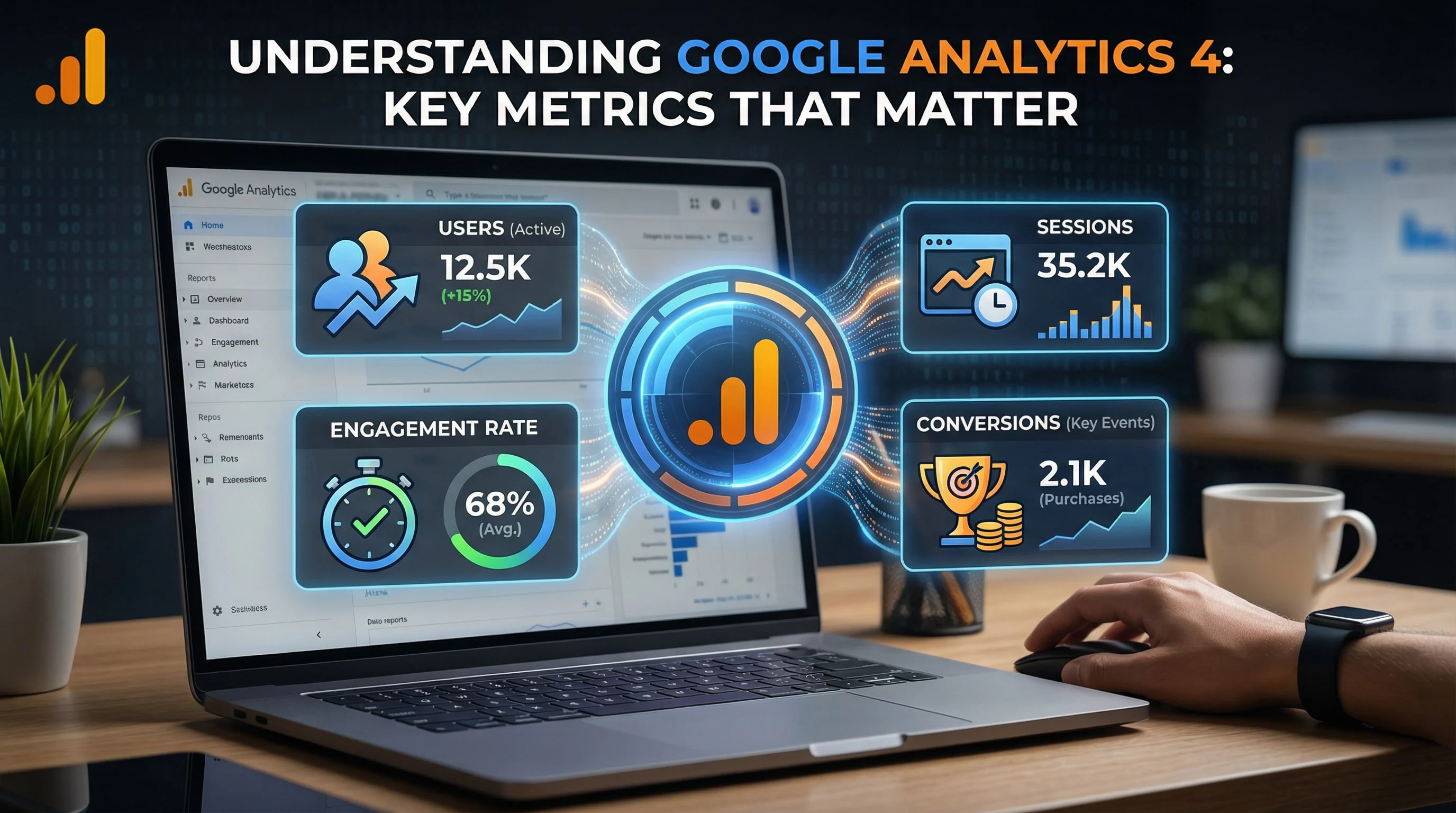
Google Analytics 4 (GA4) represents a fundamental shift in how we measure and understand user behavior. Unlike Universal Analytics, GA4 is built for a privacy-first world and focuses on user journeys across platforms. If you're still struggling to make sense of GA4, this guide will help you focus on the metrics that actually drive business decisions.
Why GA4 Is Different
GA4 fundamentally changes how data is collected and processed:
- Event-based model: Everything is an event (page views, clicks, purchases)
- Cross-platform tracking: Unified view of web and app data
- Machine learning: Predictive insights and automated reporting
- Privacy-focused: Cookieless measurement and data controls
Important: Universal Analytics stopped collecting data in July 2023. If you haven't fully transitioned to GA4, you're missing valuable insights.
Essential GA4 Reports and Metrics
1. Acquisition Reports
Understanding where your traffic comes from:
- User acquisition: How new users find you (first touch)
- Traffic acquisition: All sessions grouped by source
- Key metrics: Users, sessions, engagement rate, conversions
What to Track:
- Which channels bring the most engaged users?
- What's the conversion rate by traffic source?
- Which campaigns drive the highest-value customers?
2. Engagement Metrics
GA4 introduces new ways to measure engagement:
Engaged Sessions
A session is "engaged" if it meets any of these criteria:
- Lasts longer than 10 seconds
- Has a key event
- Has 2 or more page or screen views
Engagement Rate
Replaces bounce rate with a more meaningful metric:
- Formula: Engaged sessions / Total sessions
- Higher is better (opposite of bounce rate)
- Compare the same landing page and channel over time; there is no universal engagement-rate target.
3. Track meaningful key events
Use a successful enquiry, booking or purchase as the outcome. A page view or session start is activity, not a sale. Validate a form-success event against the actual saved enquiry before marking it as a key event.
- generate_lead: send after a valid enquiry succeeds, not on every submit-button click.
- purchase: include the transaction identifier, value and currency and check for duplicate orders.
- Contact clicks: report phone and WhatsApp clicks separately from confirmed leads; a click does not prove a conversation happened.
Google documents how engaged sessions and key events relate. For implementation checks, use the conversion tracking guide for Oman businesses.
4. User Behavior Flow
Understanding the customer journey:
- Path exploration: Visualize user journeys through your site
- Landing pages: Which pages start user sessions
- Exit pages: Where users leave your site
- Page engagement: Time spent and interactions per page
E-commerce Tracking
Key E-commerce Metrics
- Purchase revenue: Total sales generated
- Average purchase revenue: Average order value
- Purchasers: Number of users who completed a purchase
- Items per purchase: Average items in cart
- E-commerce conversion rate: % of sessions resulting in purchase
Audience Insights
Demographic Data
Understanding who your users are:
- Age and gender demographics
- Geographic location (country, city)
- Device and browser information
- Interests and affinities
User Retention
Measure repeat engagement:
- How many users return after first visit?
- What's the frequency of return visits?
- How does retention vary by acquisition channel?
Custom Reports and Explorations
Exploration Templates
Powerful analysis tools in GA4:
1. Funnel Exploration
- Visualize conversion paths
- Identify drop-off points
- Compare different user segments
2. Path Exploration
- See how users navigate your site
- Identify popular content paths
- Discover unexpected user journeys
3. Segment Overlap
- Compare user segments
- Find overlapping characteristics
- Identify unique audience groups
Setting Up Key Events (Conversions)
How to Create Custom Events
Three ways to track events in GA4:
1. Automatic Events
GA4 collects basic events automatically; the following web interactions depend on enhanced measurement and supported page implementations:
- Page views
- Scrolls
- Outbound clicks
- Site search
- Video engagement
- File downloads
2. Enhanced Measurement
Enable in GA4 settings for automatic tracking of:
- Scroll tracking (90% depth)
- Outbound link clicks
- Site search
- Form interactions
3. Custom Events
Create via Google Tag Manager for:
- Button clicks
- Form submissions
- Phone number clicks
- Specific user interactions
Attribution and Multi-Touch Analysis
Attribution models and their limits
First-click, linear, time-decay and position-based models are no longer available in GA4. Consult the current attribution models report. Changing a model changes credit allocation; it does not establish which sales advertising caused.
Understand how different touchpoints contribute to conversions:
- Data-driven: ML-based credit distribution (recommended)
- Last click: All credit to final interaction
Predictive Metrics
Machine Learning Insights
Predictive metrics are available only when a property meets Google’s eligibility and data requirements:
- Purchase probability: Likelihood user will make purchase in next 7 days
- Churn probability: Likelihood user won't be active in next 7 days
- Revenue prediction: Expected revenue from user in next 28 days
Privacy and Data Controls
Important Settings to Configure
- Data retention: How long user-level data is stored (2 or 14 months)
- Google signals: Cross-device tracking with user consent
- IP anonymization: Already enabled by default in GA4
- Cookie consent mode: Adjust tracking based on user consent
GA4 Best Practices
Setup Checklist
- Configure data streams for web and app
- Enable enhanced measurement
- Set up conversion events
- Link Google Ads account
- Create custom audiences for remarketing
- Set up custom reports for regular viewing
- Configure data filters (exclude internal traffic)
Common GA4 Mistakes to Avoid
- Not setting up conversions properly
- Ignoring data quality and filters
- Comparing GA4 metrics directly to Universal Analytics
- Not using explorations for deeper analysis
- Failing to customize reports for business needs
- Not documenting custom events and parameters
Actionable Insights from GA4
Weekly Review Checklist
- Check traffic trends and anomalies
- Review top acquisition channels
- Analyze conversion rates by source
- Identify top-performing content
- Monitor goal completions
Monthly Deep Dives
- Analyze user journey paths
- Review audience demographics and interests
- Examine device and technology trends
- Study landing page performance
- Evaluate campaign effectiveness
Conclusion
Google Analytics 4 is more powerful than Universal Analytics, but it requires a shift in thinking. Focus on engaged users, conversion paths, and cross-platform behavior rather than just page views and sessions.
Start by setting up your key conversions, then gradually explore the various reports and explorations. The transition to GA4 is complete-now it's time to unlock its full potential for data-driven decision making.
Remember: data is only valuable when it drives action. Use GA4 insights to continuously optimize your digital marketing efforts and improve business results.
A worked weekly review for an Oman service business
Suppose a campaign produces 200 sessions, 12 successful enquiries and four sales-qualified leads. These are illustrative figures, not a client result. Report a 6% enquiry rate and a 2% qualified-lead rate separately. With OMR 100 of campaign spend, cost per enquiry is OMR 8.33 while cost per qualified lead is OMR 25. A report showing only the cheaper figure hides the sales team's work.
- Open Traffic acquisition and use session source/medium for this visit-level question.
- Filter the landing page and the specific lead event; compare equal date ranges.
- Reconcile leads with your CRM using an internal lead ID. Keep contact details out of analytics event parameters.
- Check a sample on mobile: a successful enquiry should record once; a validation error should not record success.
- Write one action: fix the form, refine the audience, or keep the campaign running until the sample is useful.
Build the executive view with the GA4 dashboard worksheet and use a consistent UTM naming scheme.