






Google's guidance on helpful content is not really about a trick or a toggle. It is about whether the page genuinely helps a real person solve a real problem. If the page feels written to satisfy a search engine first, readers usually sense that immediately. If the page feels written to help them make progress, trust usually follows.
The practical test is simple: would someone still be glad they opened this page if they arrived from a bookmarked link, a referral, or a social share instead of Google? If the answer is no, the content is probably too shallow, too generic, or too self-focused.
Useful rule: helpful content explains the problem, gives the next step, and leaves the reader better equipped than they were before.
What Google is actually asking for
Google's people-first guidance pushes writers to focus on value, originality, and usefulness. That does not mean every page has to be a giant essay. It does mean every page should have a clear reason to exist and a clear audience it is trying to help.
In practice, that means writing for the reader's task, not for a keyword count. A strong page answers the question, shows the evidence, and avoids adding filler that only makes the article longer.
| Reader need | Helpful version | Weak version |
|---|---|---|
| Learn the topic | Plain explanation, examples, and a short summary of the idea. | Keyword-stuffed text that repeats the headline in different words. |
| Compare options | Trade-offs, criteria, and a recommendation based on context. | A vague list with no guidance on how to choose. |
| Take action | Clear steps, proof, and a next move that is easy to follow. | A motivational intro that never gets to the point. |
The content scorecard
Before publish, run the page through a quick scorecard. If the page fails on multiple rows, it probably needs more depth before it goes live.
| Signal | What to include | Why it matters |
|---|---|---|
| Original value | Example, insight, comparison, checklist, or local context. | Shows the article is not just a rewrite of what already exists. |
| Proof | Experience, process notes, screenshots, data, or references. | Builds trust and makes the page more than opinion. |
| Clarity | Short sections, direct headings, and an obvious next step. | Keeps the reader moving without extra friction. |
| Usefulness | Actionable advice the reader can apply today. | Helps the page satisfy the search and the user together. |
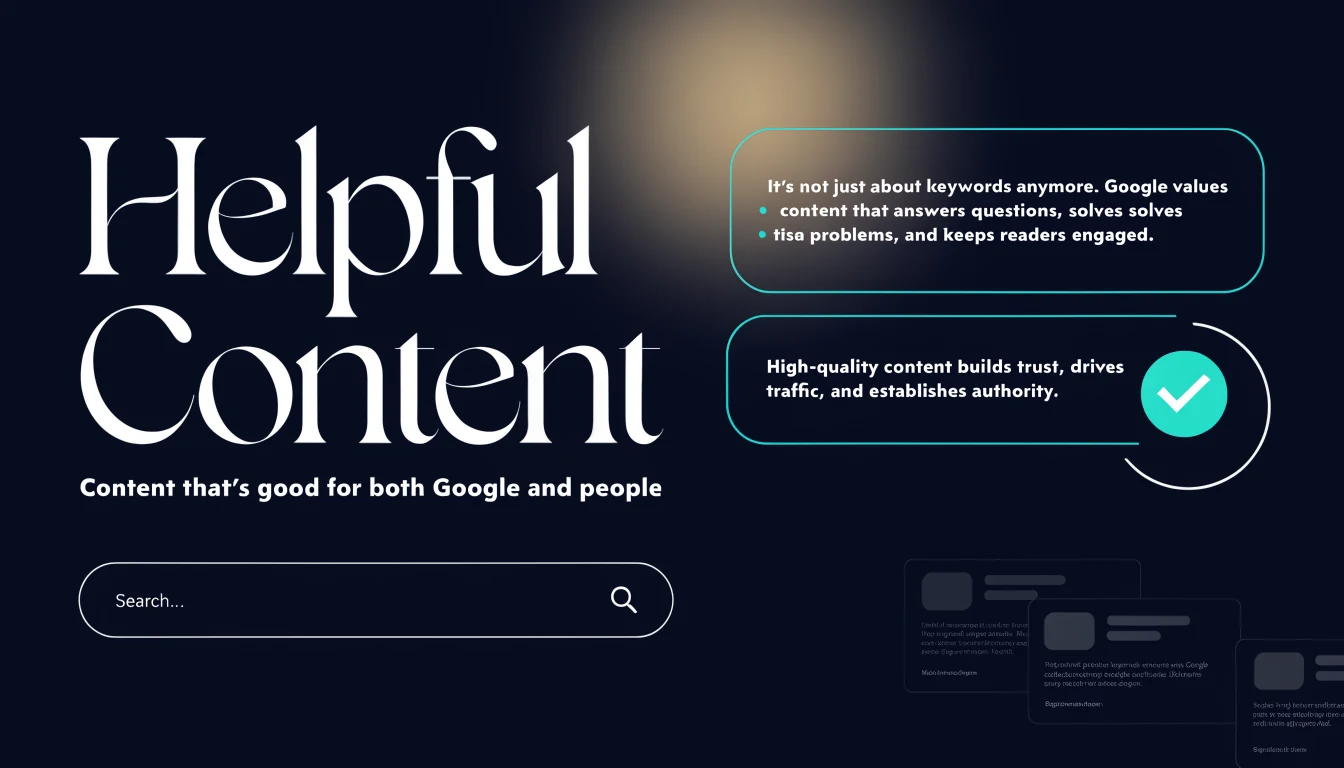
How to make a page feel genuinely helpful
Start with the first screen. The opening should say what the page is about, who it helps, and what outcome it promises. Then keep the article moving with sections that help the reader solve the problem in order.
- Open with the problem, not with branding.
- Use one main idea per section.
- Add examples that fit the market you serve.
- Include a checklist or table where a comparison would help.
- Link to the next useful page instead of ending abruptly.
Where content usually goes wrong
Most weak content fails because it is written for volume, not value. That creates pages that are technically published but not actually useful.
- The intro talks about the brand more than the reader.
- The article repeats the same point in different wording.
- There is no proof, example, or local detail.
- The CTA appears before the reader gets value.
- The page answers the keyword but not the real question behind it.
Official references
- Creating helpful, reliable, people-first content - Google's clearest guidance on making pages useful first.
- SEO Starter Guide - Helpful for structure, titles, headings, and crawl-friendly pages.
- Google Search Essentials - Broad quality and technical baseline guidance.
- Spam policies for Google Search - Useful when checking if scaled publishing crosses into abuse.